01 / Decision pointMap the controls to your intended character
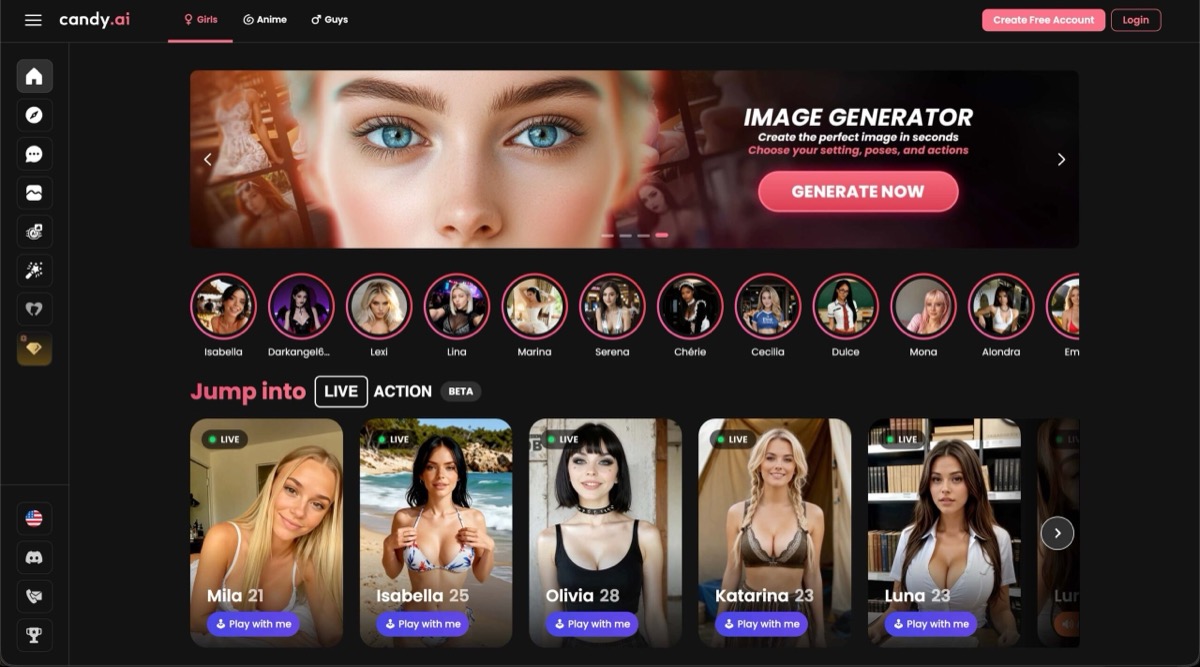
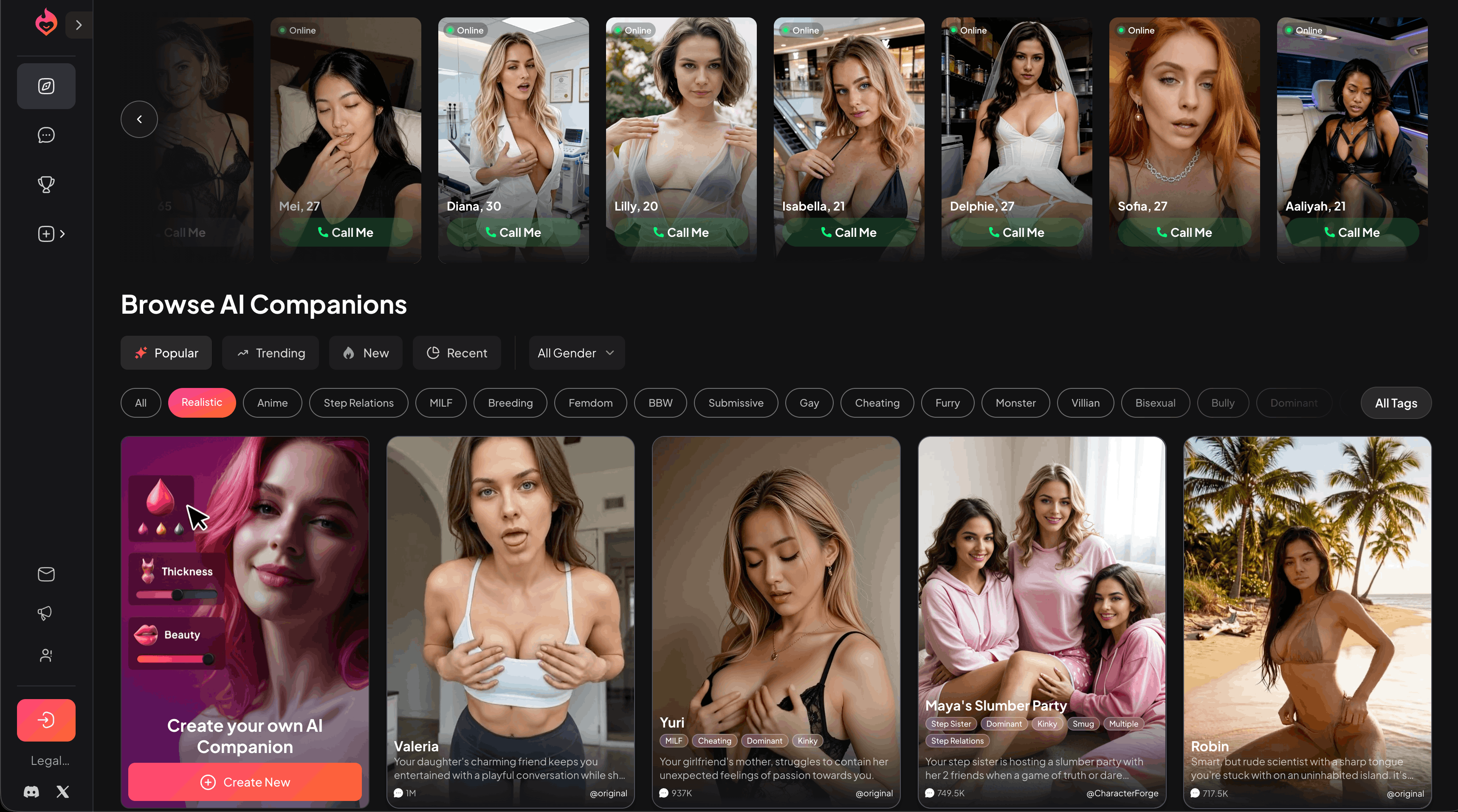
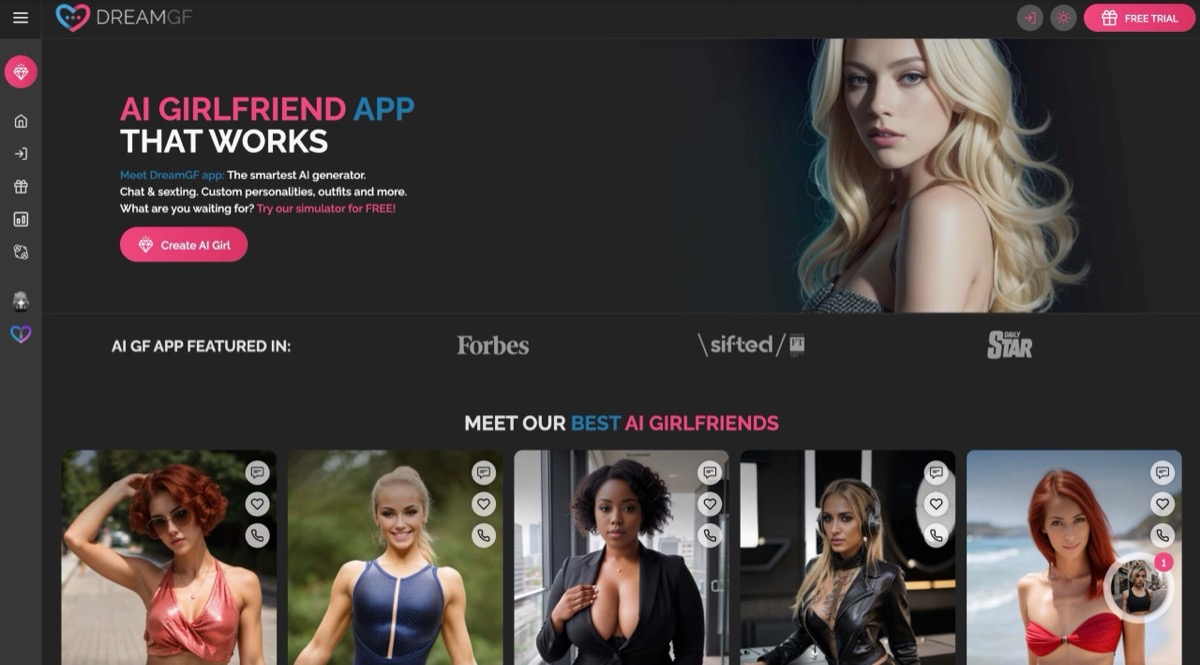
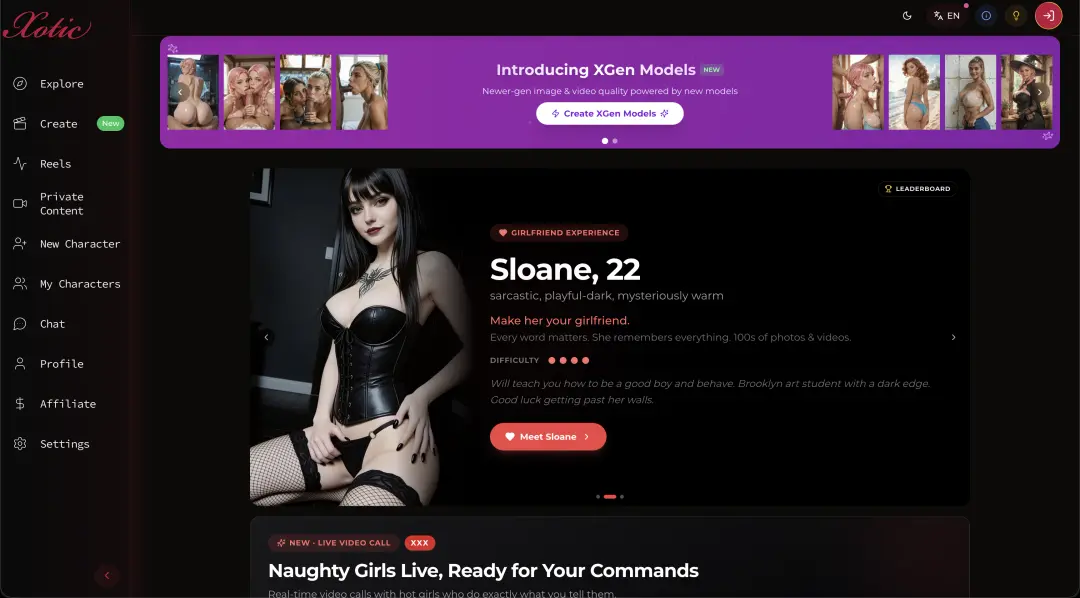
Before signing up, write down the few traits that matter most—such as background, communication style, or visual presentation—and see whether the editor offers direct controls for them. Candy AI describes a guided character-creation flow, Dream Companion presents avatar controls, and DreamGF and Xotic AI list character customization; those descriptions do not establish the exact fields available today. Inspect the editor itself and note which choices are fixed, optional, or plan-dependent.
02 / Decision pointLook for consistency across sessions and media
A created profile is useful only if the resulting conversations reflect it. Check whether a character retains chosen traits in a fresh chat, whether you can correct drift, and whether visual outputs follow the same identity rather than a generic prompt. If you plan to use generated images, compare repeated prompts under similar conditions and review how reference images or saved character details are handled. Treat consistency as something to verify, not a promise implied by “custom.”
03 / Decision pointPreserve control as the character evolves
Customization is also about reversibility: can you edit a backstory, reset a conversation, or remove remembered details without losing everything else? Check export and deletion options, privacy terms for personal details in character definitions, and whether changes apply to existing chats. The customization checklist offers a useful setup sequence; compare its steps against the controls actually shown by each service.