01 / Decision pointMatch the input method to the scene
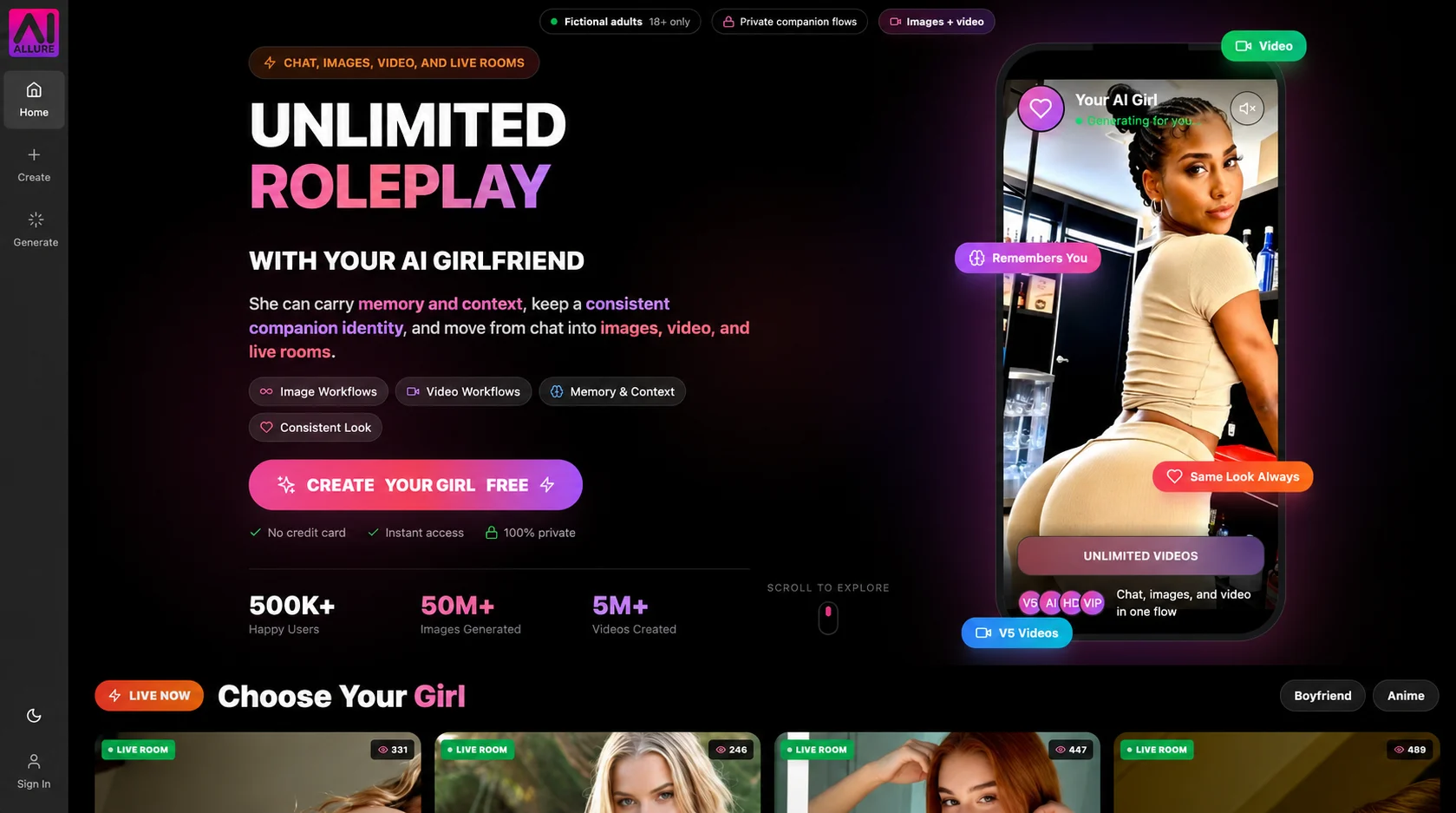
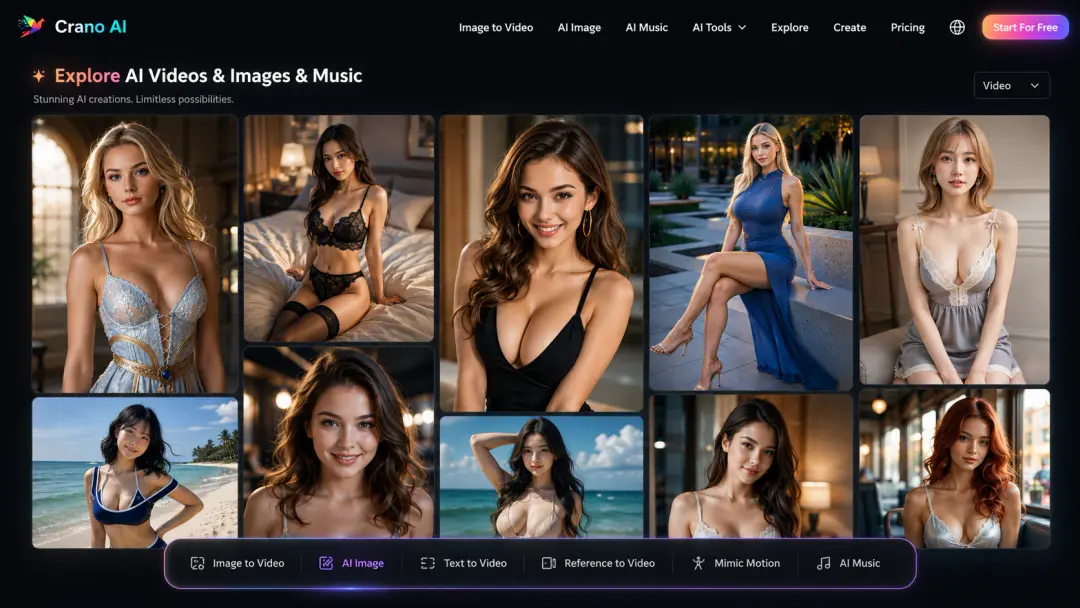
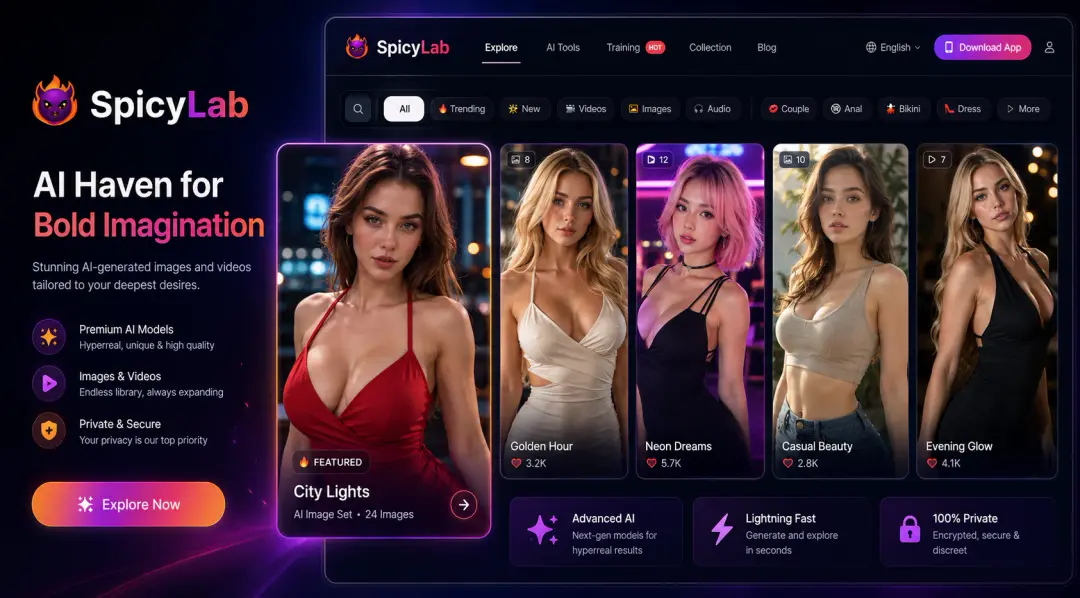
Text-to-video gives you a way to describe action directly, while image-to-video begins from a visual reference and asks the system to animate it. Catalogued examples include Crano AI for text-to-video and image-to-video tags, SpicyLab for image-to-video, and AI Allure for short-form video. Check which input modes are actually available, supported image formats, clip length, aspect ratio, and whether you can preview or revise motion before using credits.
02 / Decision pointBalance motion control against character continuity
A dramatic camera move or complex action may be harder to keep coherent than a restrained scene. Decide whether motion, scene direction, or a recognizable recurring character is the priority, then inspect any controls for duration, camera, and reference strength. AI Allure’s profile describes character visual consistency as an area to consider, and Crano AI is catalogued with a consistent-character tag; neither label guarantees a particular result. Check provider examples and current settings without assuming they represent every prompt.
03 / Decision pointVerify permissions, limits, and repeat-generation costs
Video often makes usage limits especially important: check maximum length, queue or generation limits, failed-job handling, and the credit or plan cost of retries. Read upload and content policies before using reference images, and only submit material you have the right and consent to use. Confirm storage and deletion rules for both source images and finished clips. The video workflow and provider-rules guides provide a checklist for these decisions.