01 / Decision pointStart with discovery or deliberate setup
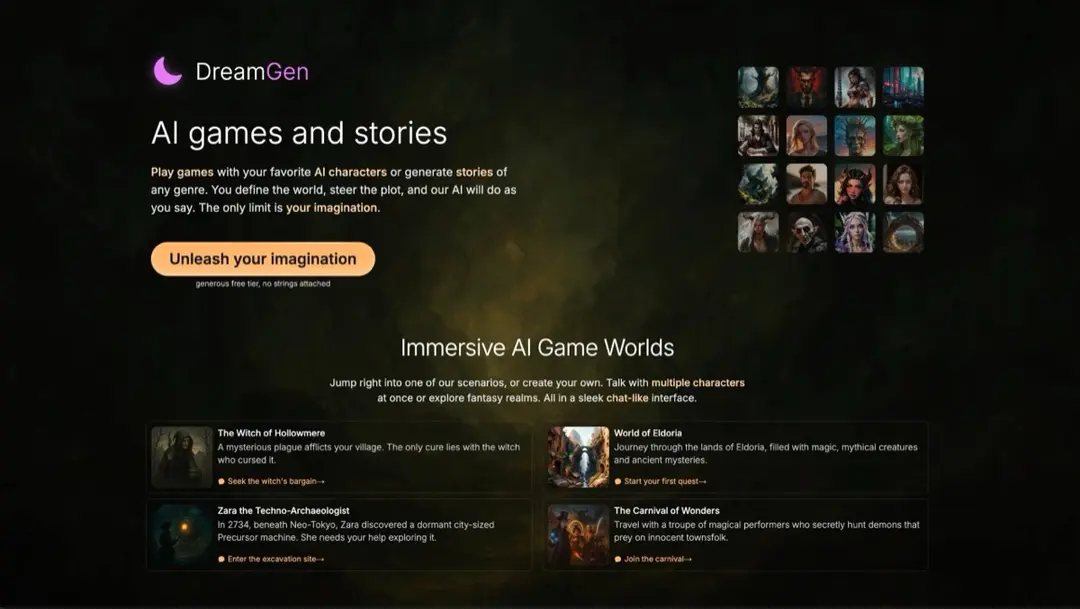
If you want to browse ready-made characters, inspect how profiles are described and whether you can change their starting situation. If you prefer a particular premise, compare scenario setup and character-creation controls before committing to a long chat. EroPlay AI is positioned around scenario definition, GirlfriendGPT lists community personas and character-building, while DreamGen Role Play and Chub AI are catalogued for roleplay. Their listings identify relevant areas, not a guaranteed fit for a specific story.
02 / Decision pointTest narrative control and continuity
Use a small, repeatable check: establish a setting, a character motivation, and one boundary, then see whether the conversation follows them after several turns or a new session. Look for ways to redirect pacing, manage multiple characters, and correct an out-of-character reply. The tradeoff is between a quick-start template and the effort of defining more context yourself; compare the controls that are actually exposed instead of relying on broad claims about memory or context length.
03 / Decision pointMake boundaries and ownership part of the comparison
Before using a community character or building your own, check the platform’s rules on consent, age, likeness, and prohibited scenarios. Find out who can see or reuse a published character, whether private characters stay private, and how chat history can be removed. A good fit should let you set the scene without obscuring the ability to pause, revise, or leave it. The roleplay guide can help you define scenarios and boundaries before comparing tools.